emailsevery type
Every email you send, from one system.
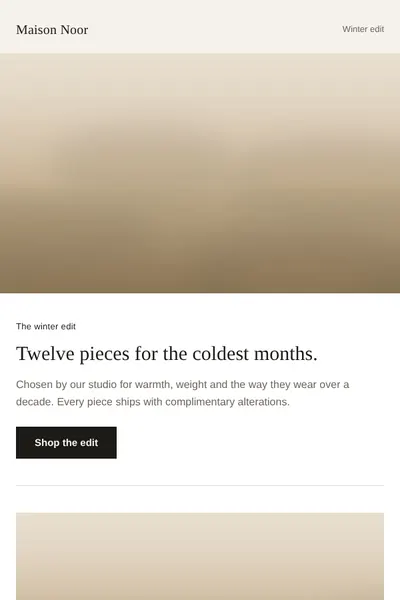
Campaigns, journeys, receipts and the interactive pieces people remember. Six kinds of email, one set of components, so the welcome email and the booking confirmation look like the same brand.
01campaign
Marketing campaigns
The emails your customers see most. Built from locked modules so a new campaign is an afternoon of words and images, not a new build, and every one still renders in Outlook and dark mode.
Typical sends
- Product and collection launches
- Seasonal and sale campaigns
- Event and experience invitations
- Market and language variants
What we take care of
- Modular layouts your team assembles
- Image-off and dark mode fallbacks
- Variants per market from one file
- Pre-send QA on 40+ clients
02welcome
Lifecycle and automation
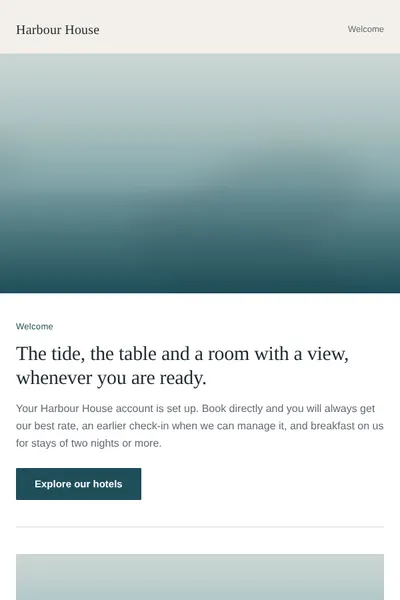
Emails that send themselves when a customer does something, or stops doing it. Designed as journeys, with every step drawn from the same components as your campaigns so nothing looks bolted on.
Typical sends
- Welcome and onboarding series
- Browse, basket and booking abandonment
- Pre-arrival and post-stay
- Birthday, anniversary and win-back
What we take care of
- Journey maps with timing and exits
- Personalisation with safe fallbacks
- Built into your platform's journeys
- Plain-text versions for every step
03confirmation
Transactional
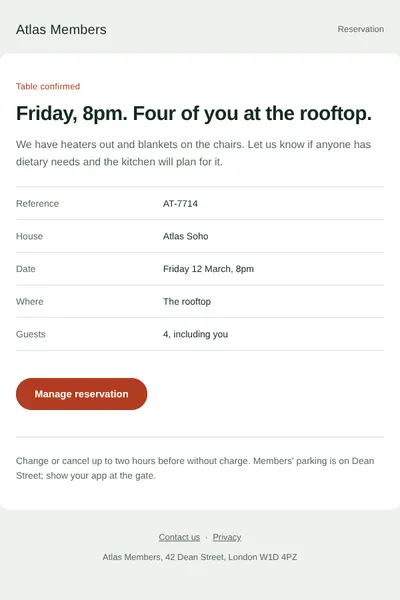
The emails people actually wait for. They carry live data from your booking or order system, so they are built to be clear first and on-brand second, and to stay legible with images off.
Typical sends
- Booking and order confirmations
- Amendments and cancellations
- Shipping and delivery updates
- Receipts, password and account emails
What we take care of
- Data fields mapped to your system
- Clear hierarchy for the key facts
- Accessible tables and live text
- Separate sending stream advice
04interactive
Interactive and kinetic
Email that moves where the client allows it, and still reads perfectly where it doesn't. Five working demos on the kinetic page, each with a switch to the fallback Gmail and Outlook readers get.
Typical sends
- Product and room carousels
- Tabs and accordions
- Tap-to-reveal offers
- One-tap ratings and animated heroes
What we take care of
- Designed fallback for every client
- Keyboard and screen reader access
- Reduced-motion respected
- Tested in Apple Mail, Gmail, Outlook
05newsletter
Editorial and newsletters
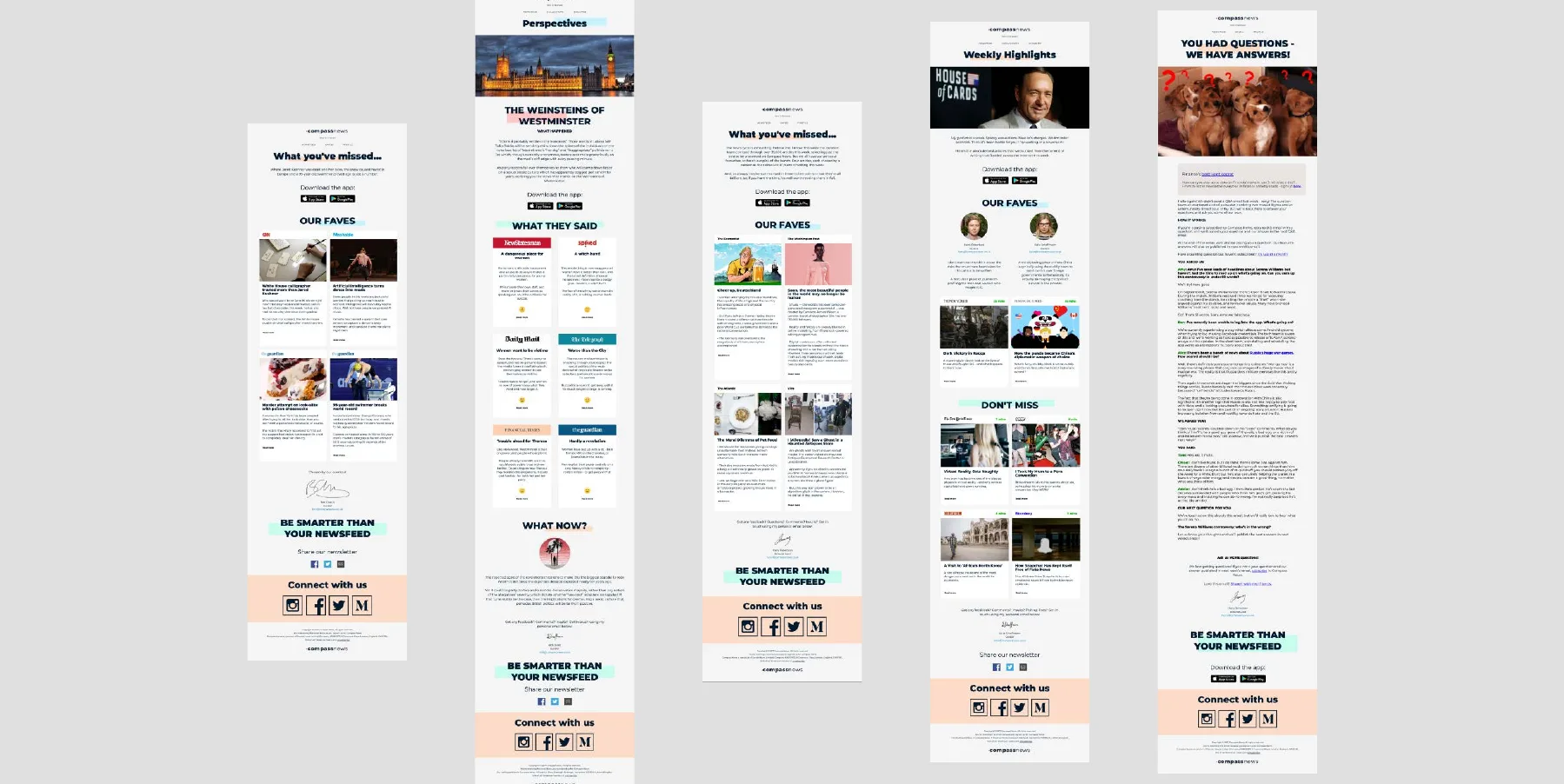
Emails people read rather than scan. A template system that lets an editorial team publish on a schedule, with type and spacing that hold up on a phone.
Typical sends
- Weekly and monthly newsletters
- Editorial digests and roundups
- Auction and marketplace alerts
- Member and community updates
What we take care of
- Templates editors fill without code
- Readable type at mobile sizes
- Content blocks for any length
- Web version and plain text
06b2b
B2B and trade
Email to people who buy for a business: travel agents, corporate bookers, wholesale accounts. Same brand system, different rhythm, and measured on what it books.
Typical sends
- Trade and agent newsletters
- Corporate and group offers
- Partner and wholesale updates
- Event and fam-trip invitations
What we take care of
- Separate templates on the same tokens
- Lists and consent kept apart
- Reporting by programme
- Rooms or revenue attribution
25B2B sends across the Maybourne group in 2024, up 67% on 2023
// free, private, 30 seconds
How does your email really score?
Paste any email’s HTML. Get a scored report on rendering, dark mode, accessibility and deliverability. It runs in your browser; nothing is uploaded.
42A meaningful share of the audience is seeing something nobody designed.
- Rendering40
- Dark mode25
- Accessibility30
- Deliverability38
- Structure83
7 to fix · 8 to improve
Not sure where to start?
Most programmes start with the emails that carry the most revenue or the most complaints. A thirty-minute call finds which.